Themes 2.0 - Blocks and Configuration 1.x Change Log
This log captures the differences in blocks and configurations between the Themes 1.x versions and Themes 2.0. Following the 2.0.3 release of Themes, all subsequent updates will be captured in the release notes.
Block configurations
| Impacted | Update | v1 Example | v2 Example |
| image ratio on video thumbnails | The video thumbnail as promo art now respects the image ratio setting | 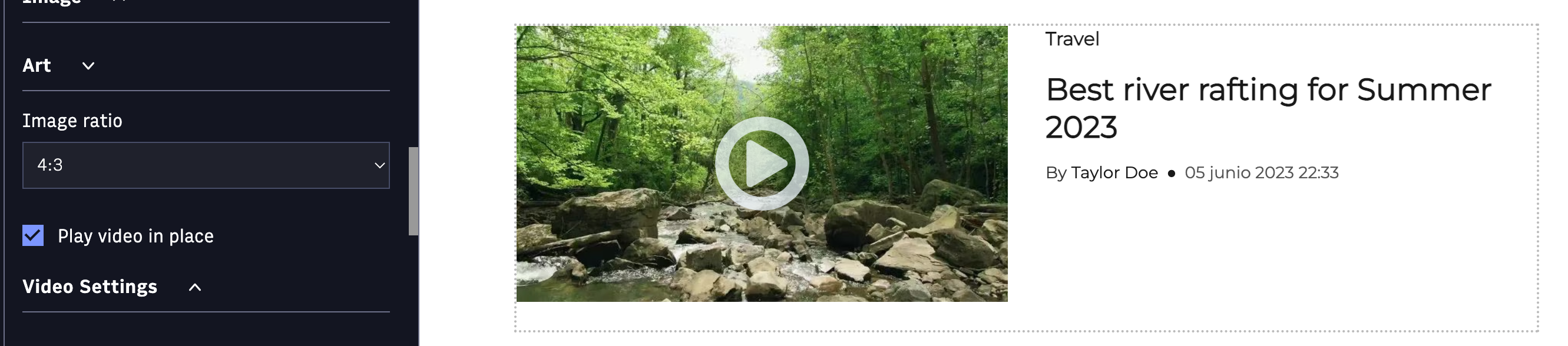 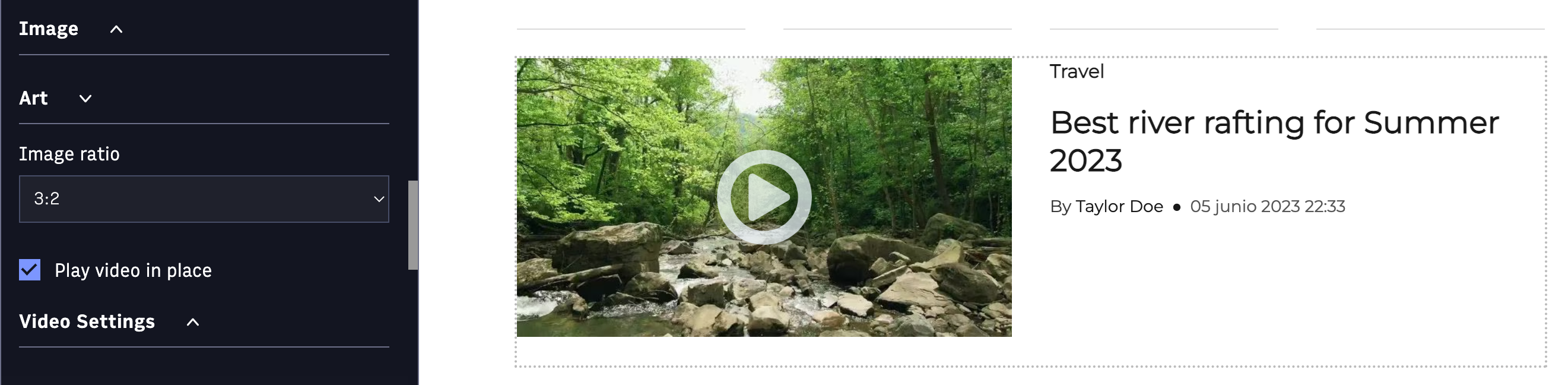 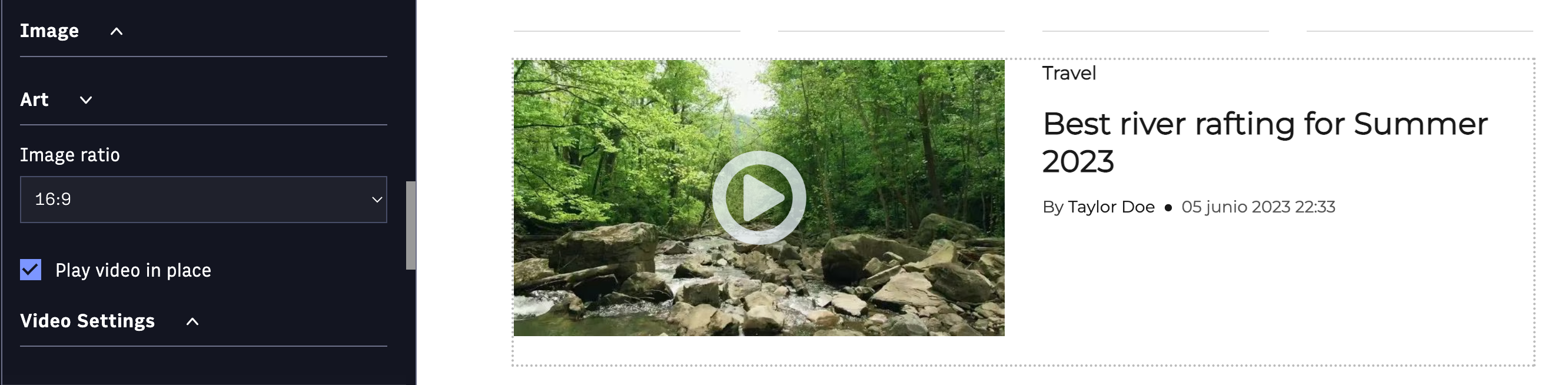 | 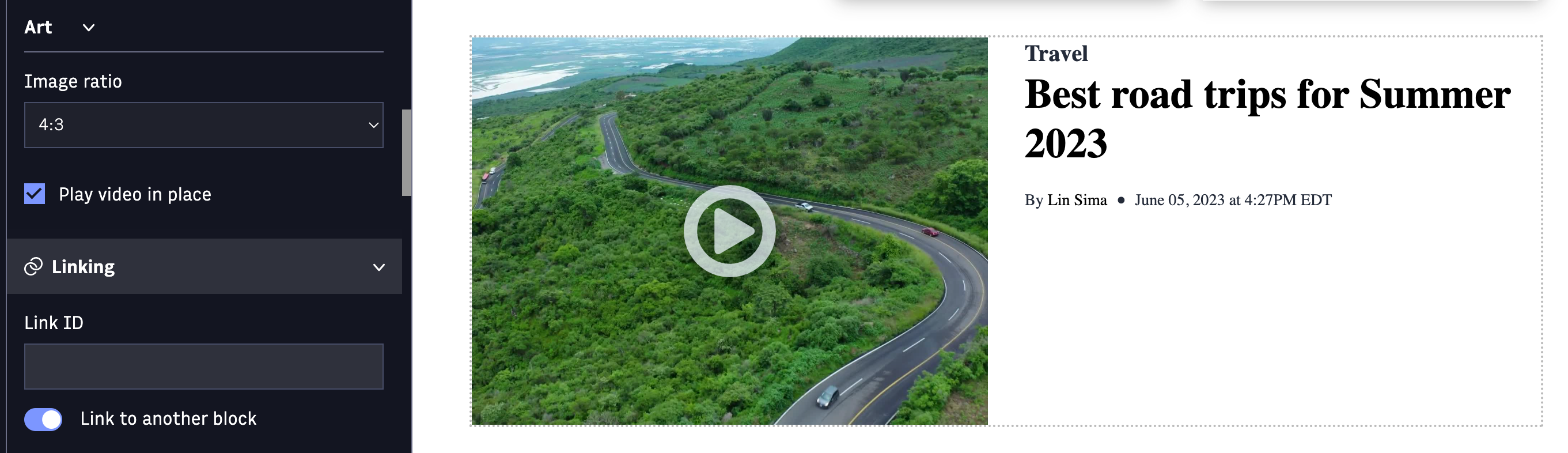 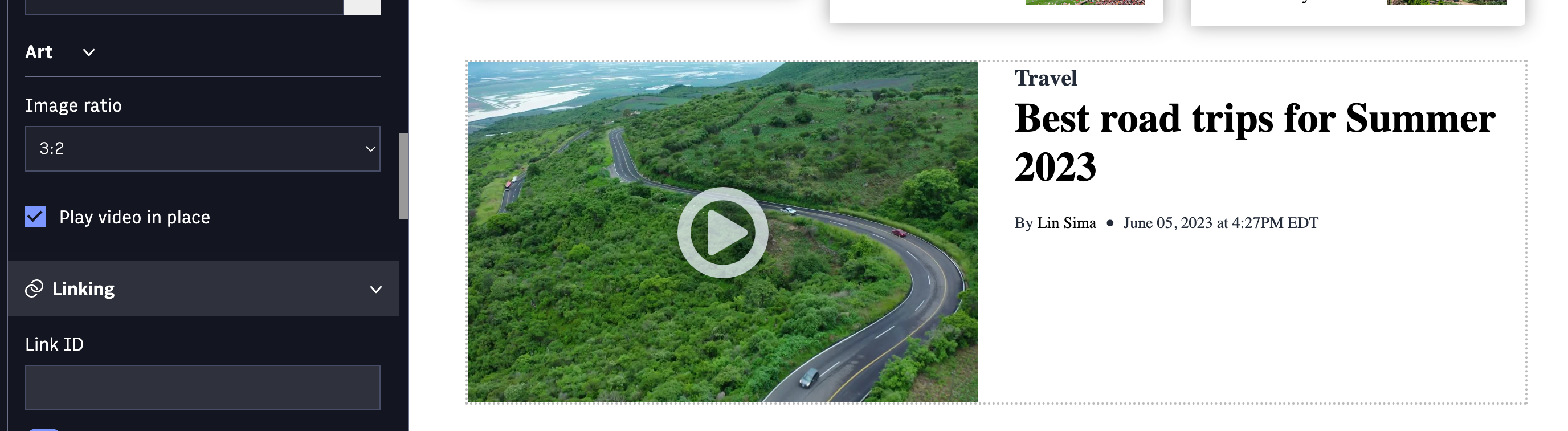 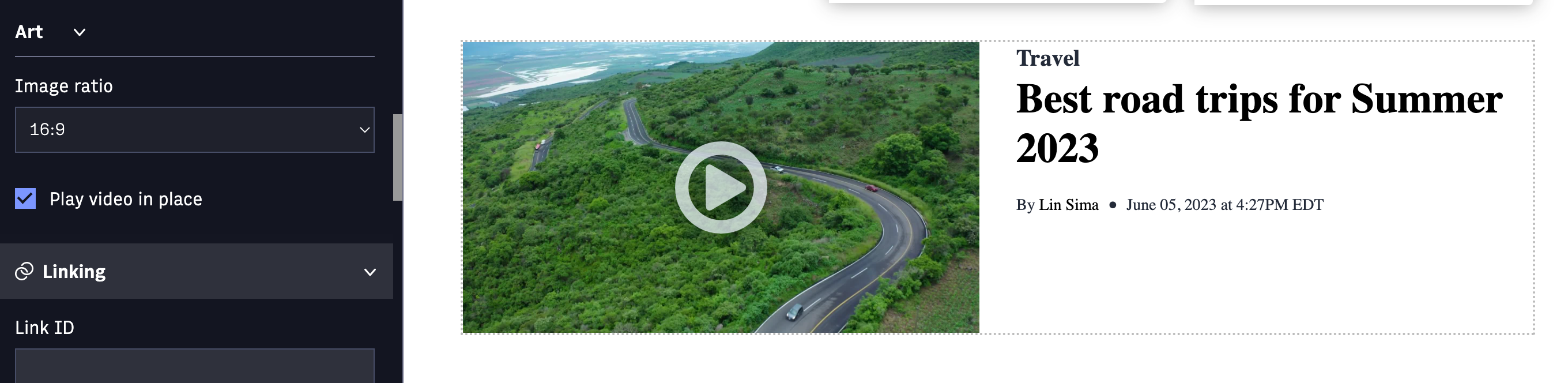 |
| dividers on blocks | Dividers have been removed from blocks, except the configuration between sizes on thetop-table-list-block. The new divider block can be used as a replacement. | 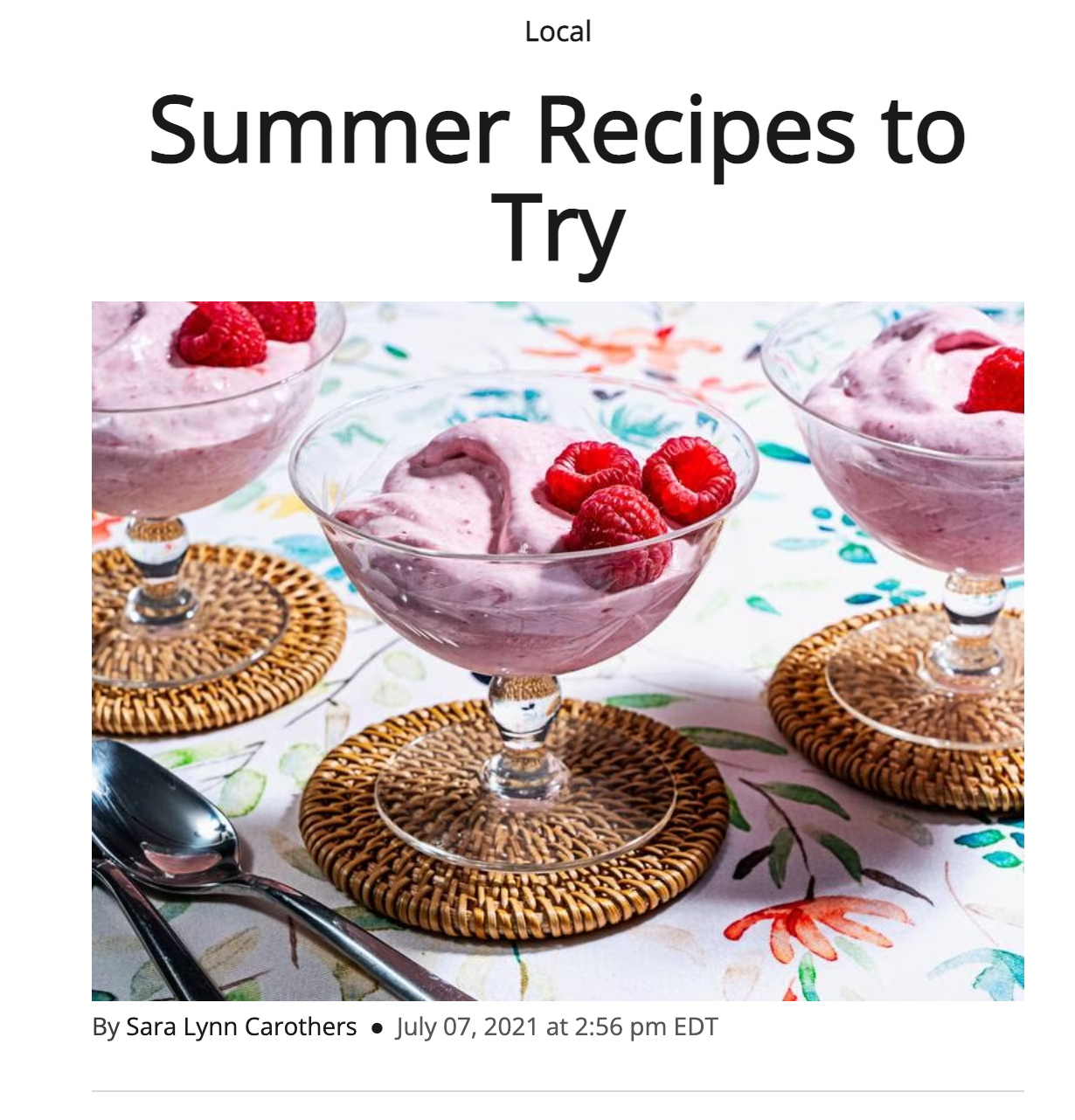 |  |
Site properties on Themes Settings
The following site properties currently supported in the Themes settings application, have been removed from the user interface and instead, supported through the new block styling.
| Site property | Update | v1 Example | v2 Example |
| primary-font | The primary-font has been removed from Theme Settings application and is supported in blocks styling. The new default value is: Inter | 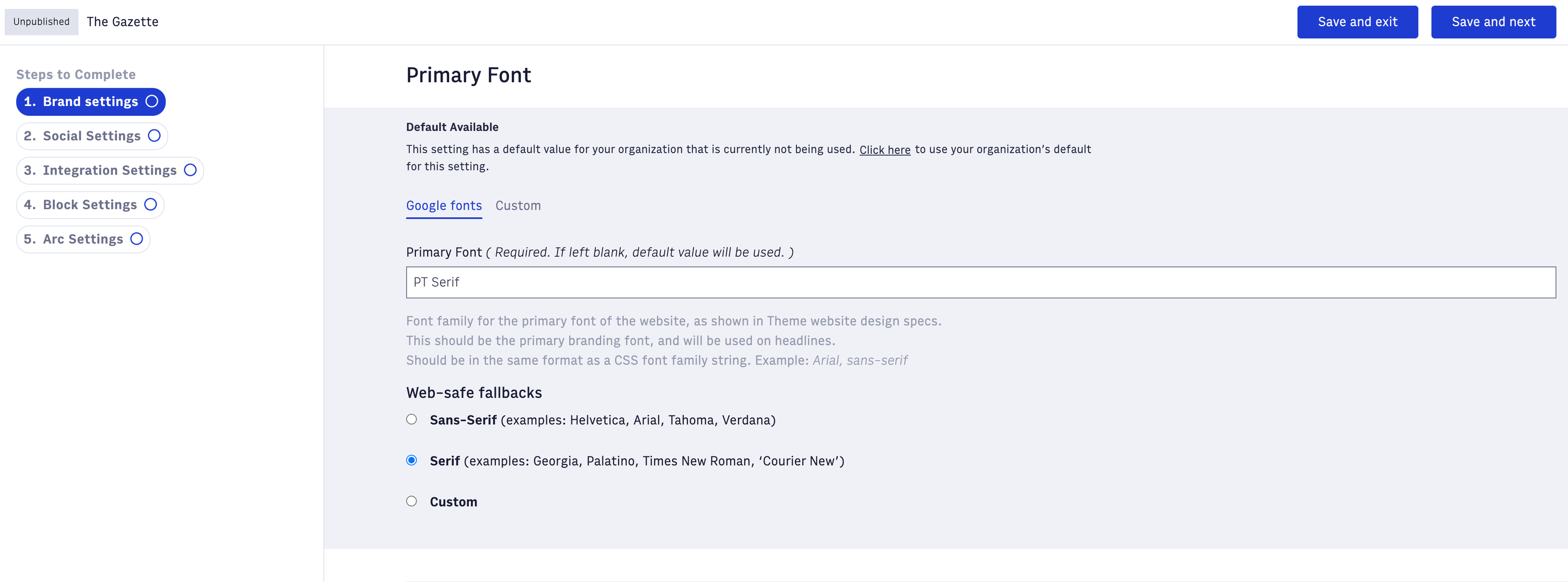 | removed from user interface |
| secondary-font | The secondary-font has been removed from Theme Settings application and is supported in blocks styling. The new default value is: Lora | 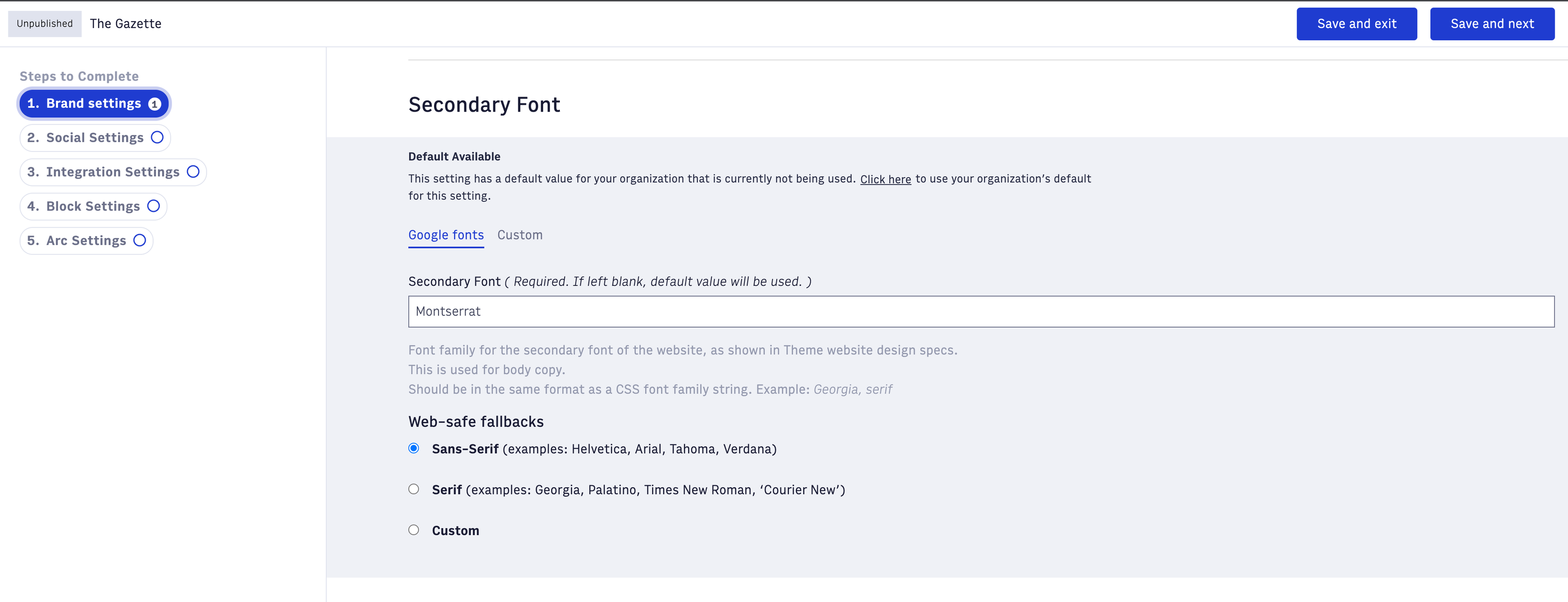 | removed from user interface |
| primary-accent-color | The primary-accent-color has been removed from Theme Settings application and is supported in blocks styling. | 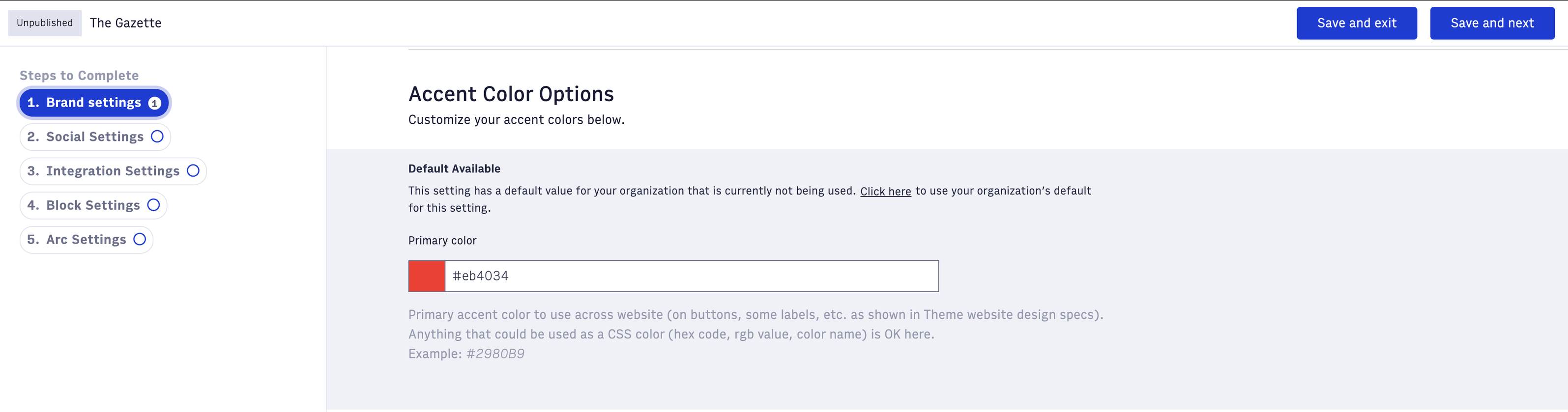 | removed from user interface |
| light/dark-theme and logos | A default light/dark navigation color scheme is no longer supported and background colors can be applied in blocks styling. One primary logo can be uploaded in Themes Settings. | 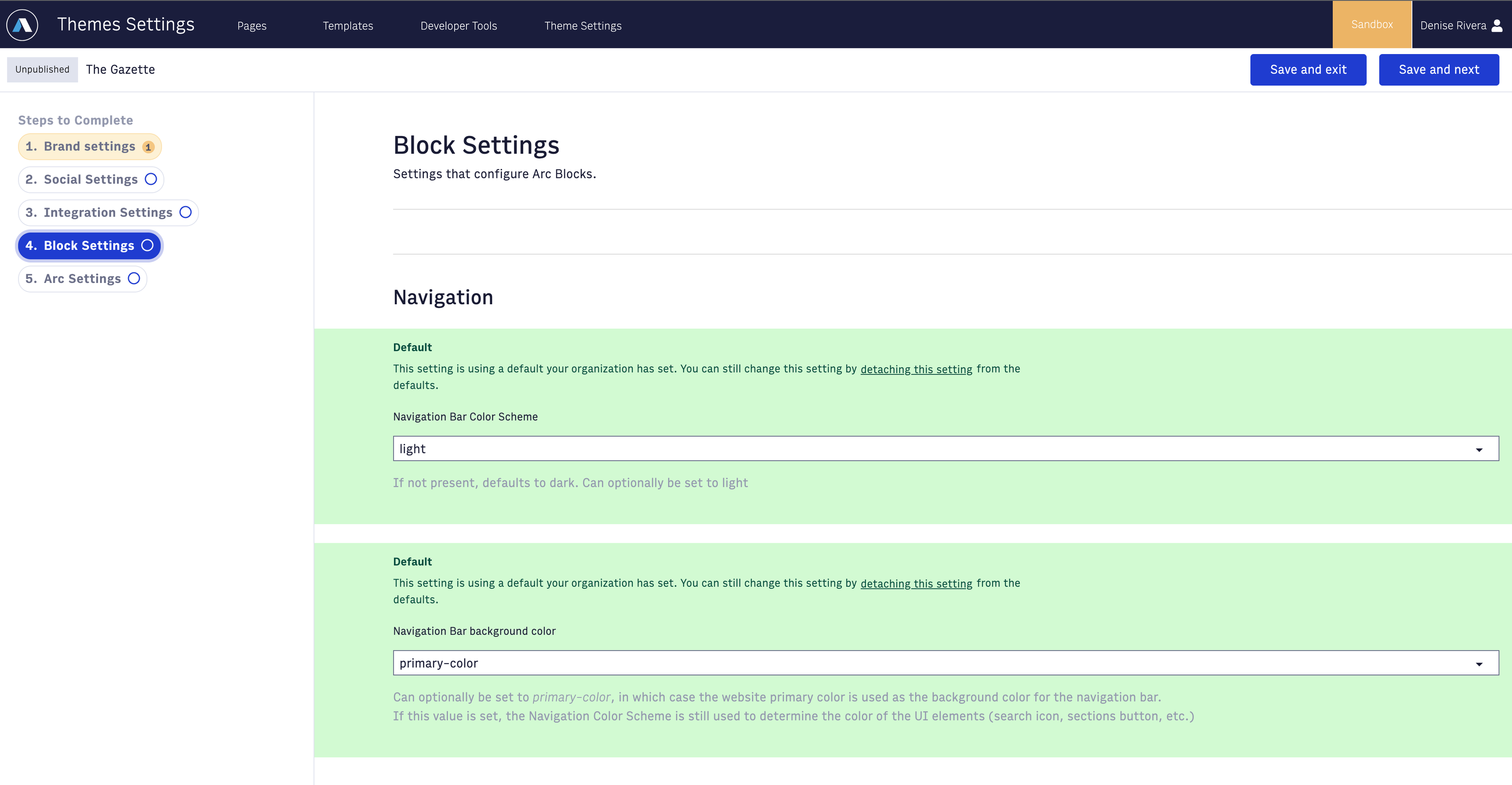 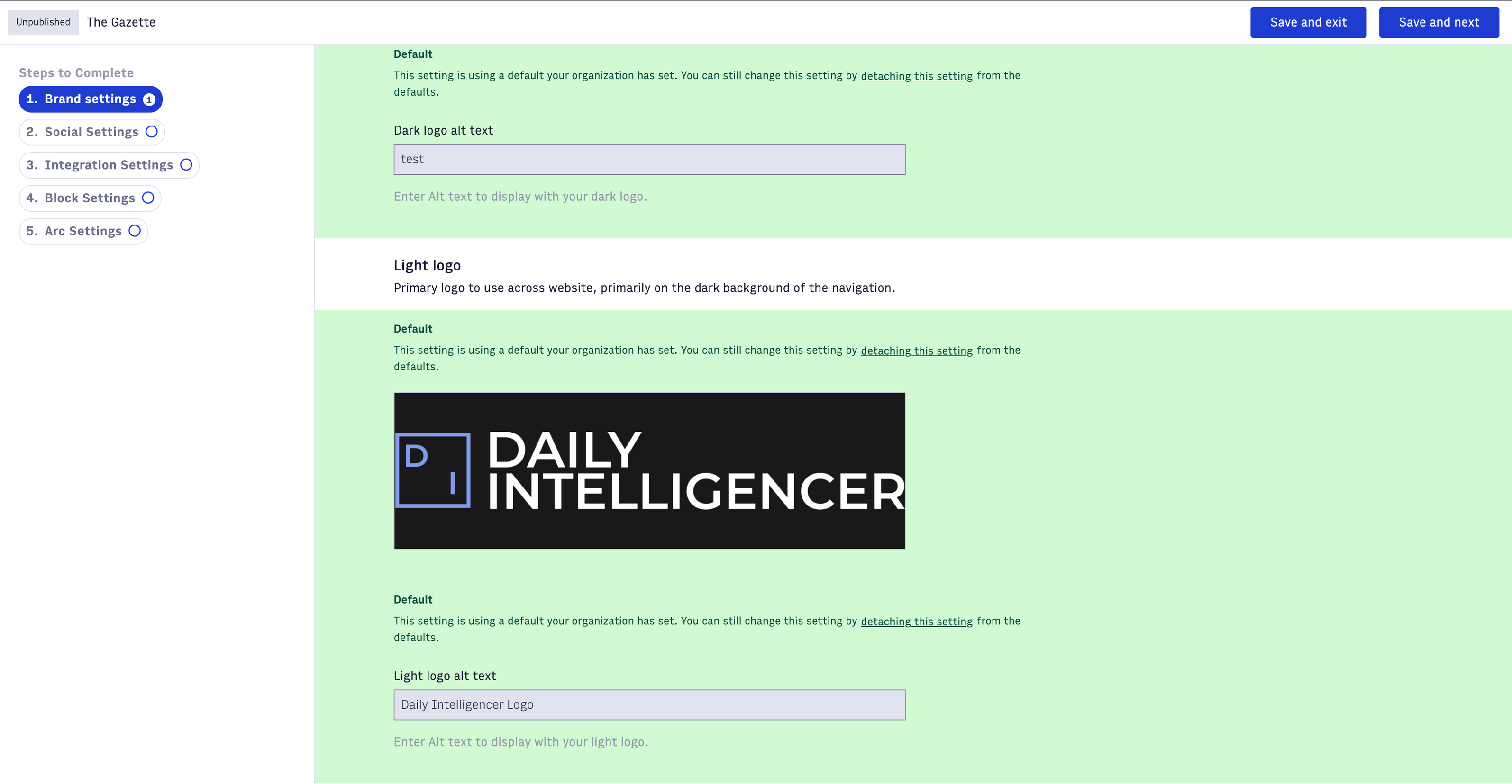 | 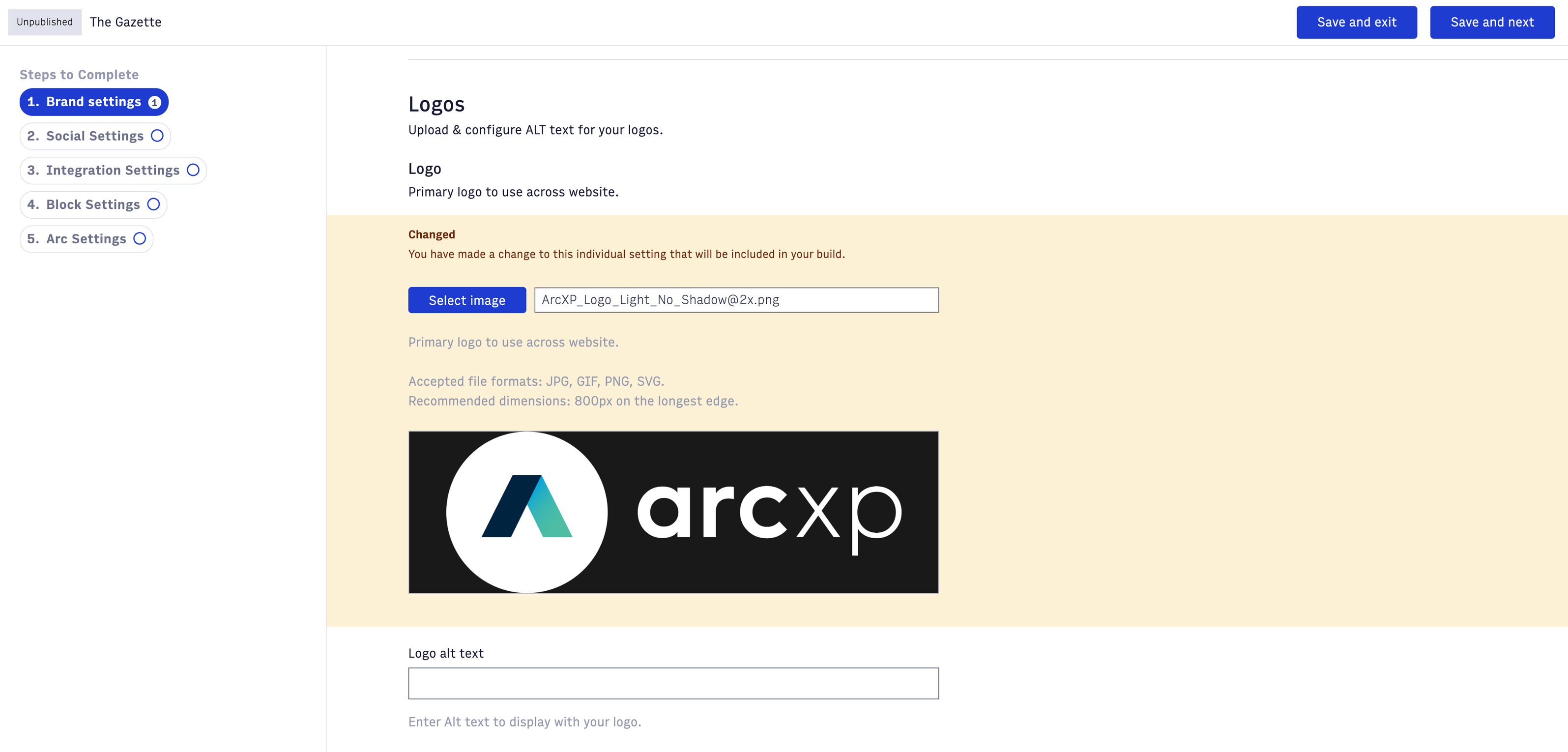 |
Layouts, block padding / margins
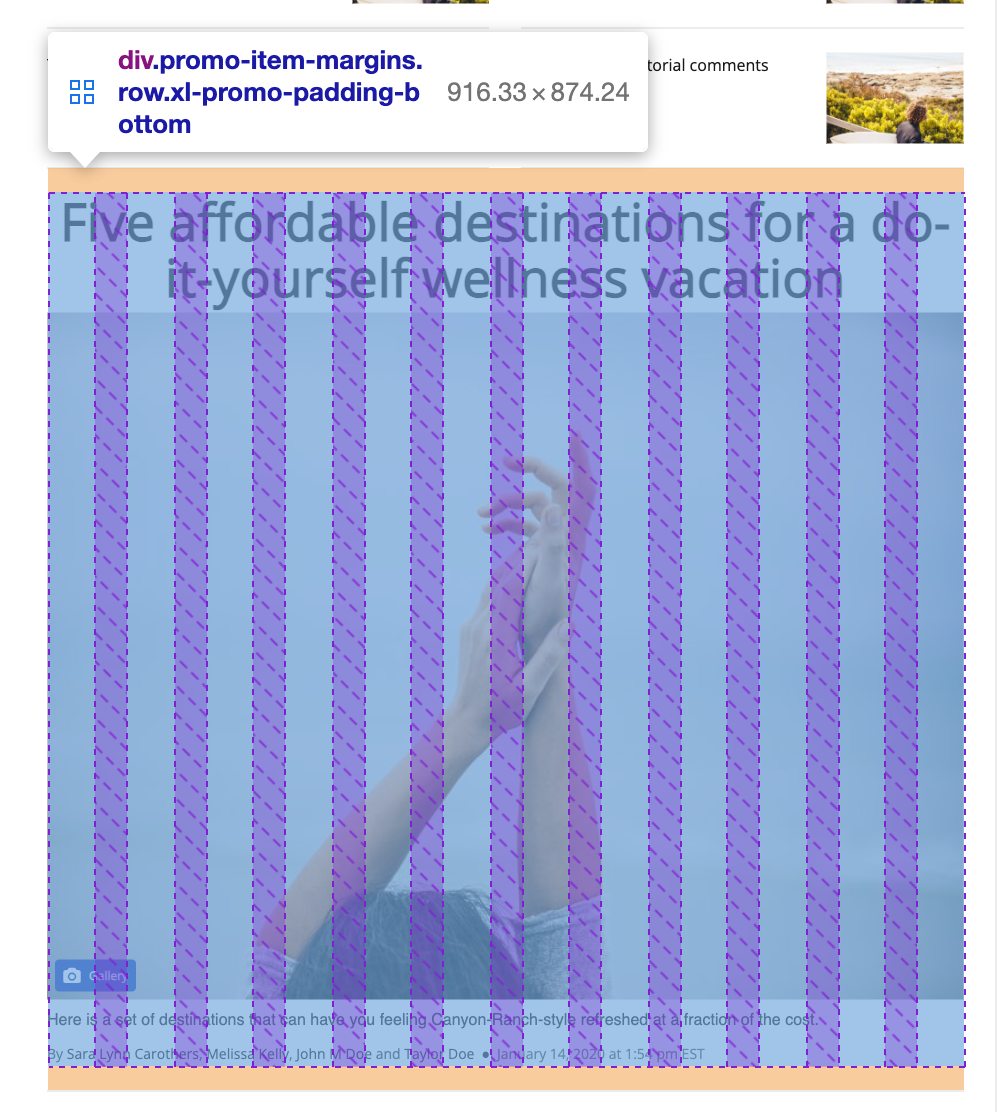
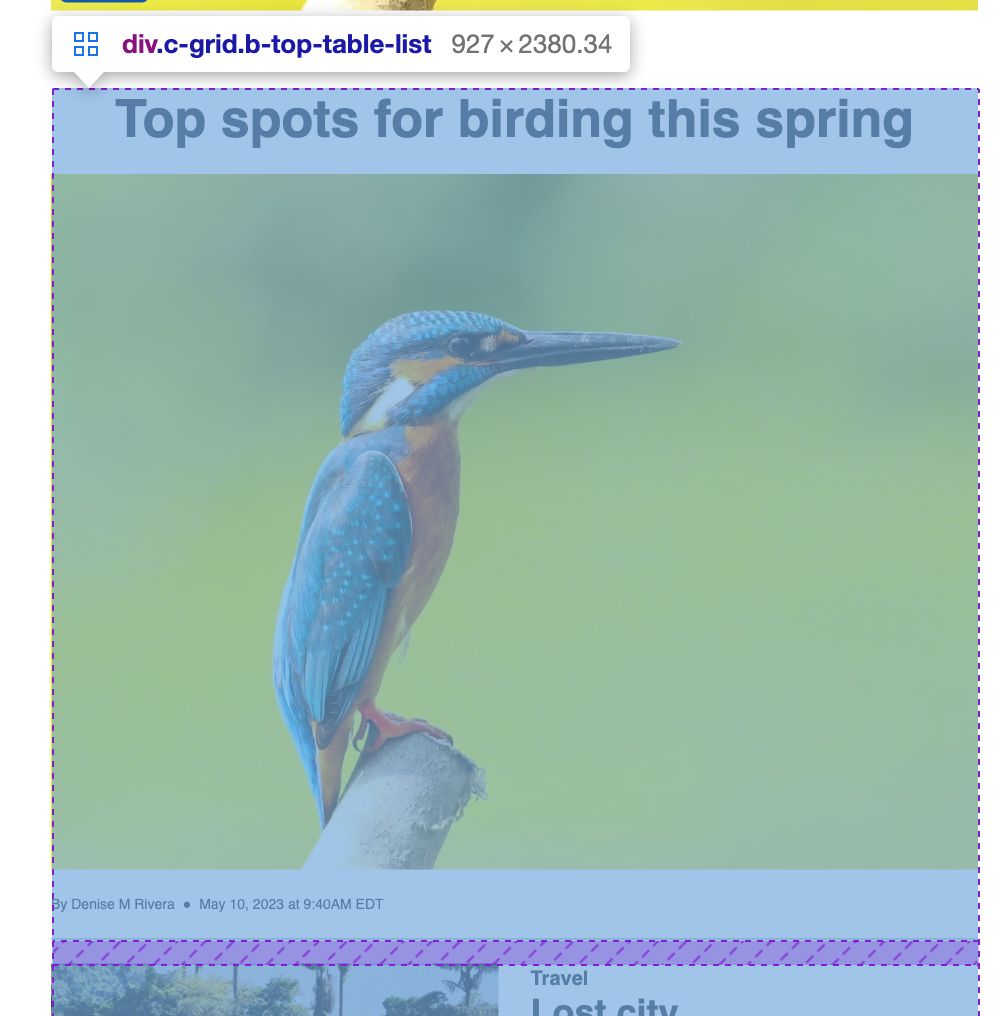
Gutters/margins are all now handled in the layouts, rather than the blocks.
| v1 Example | v2 Example |
 |  |
Images
- Smart crop - For blocks for the image has a maintained aspect ratio, like list blocks, smart crop has been implemented to automatically detect the focal point of the image.
- Photo Center focal points - Themes 2.3.x includes an update to respect focal points on blocks. For images with a maintained aspect ratio that do not have a focal point set in Photo Center, smart crop is applied as the fallback.
- Served image sizes - As the blocks are integrated with Image resizer v2, 800px or 1600px images will be served, depending on the user’s breakpoint.
New blocks / features
| Block | Update | v1 Exmaple | v2 Example |
| Divider block | There is now a divider block and component, which can be used to replace dividers that previously could be configured on blocks. | 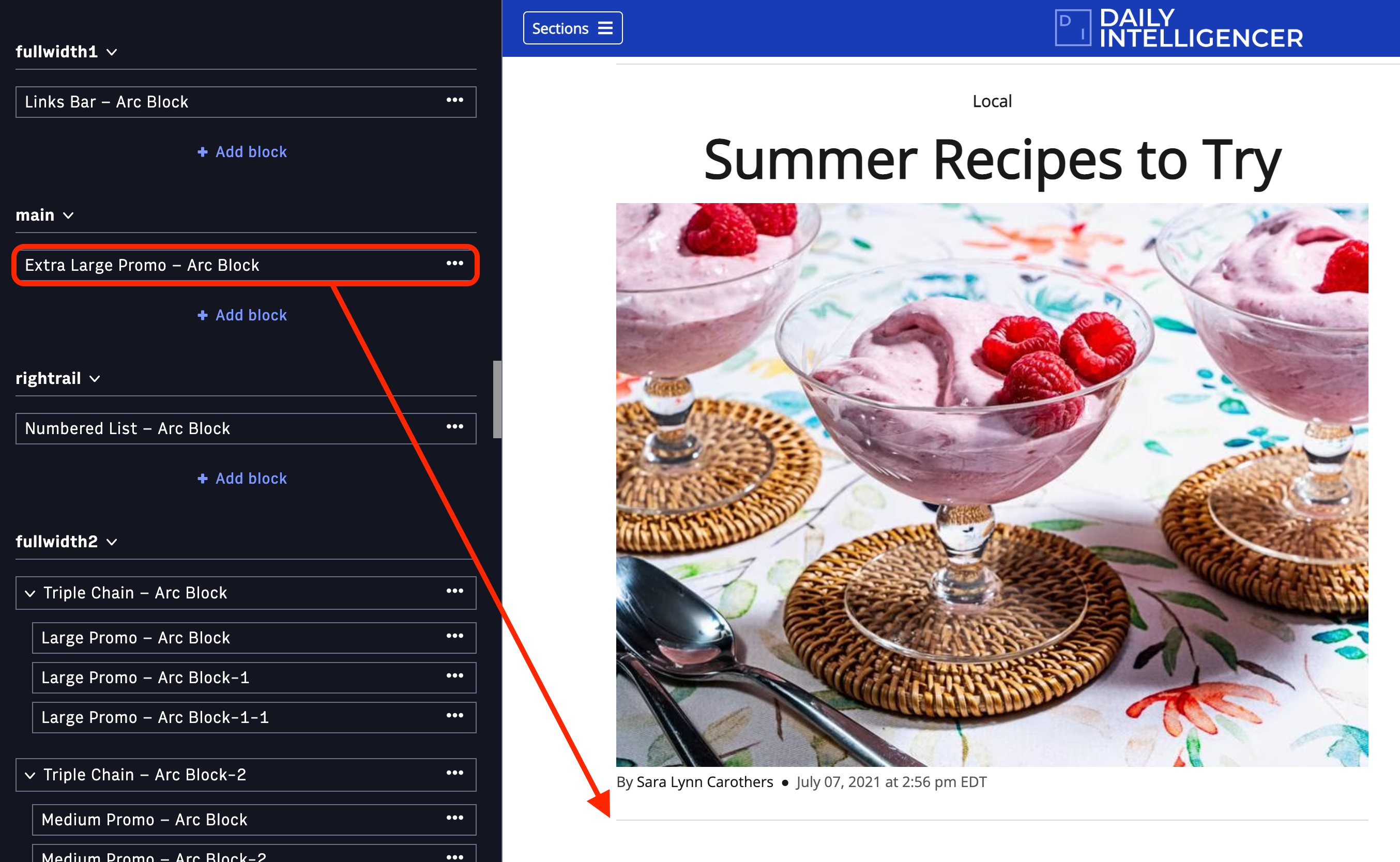 | 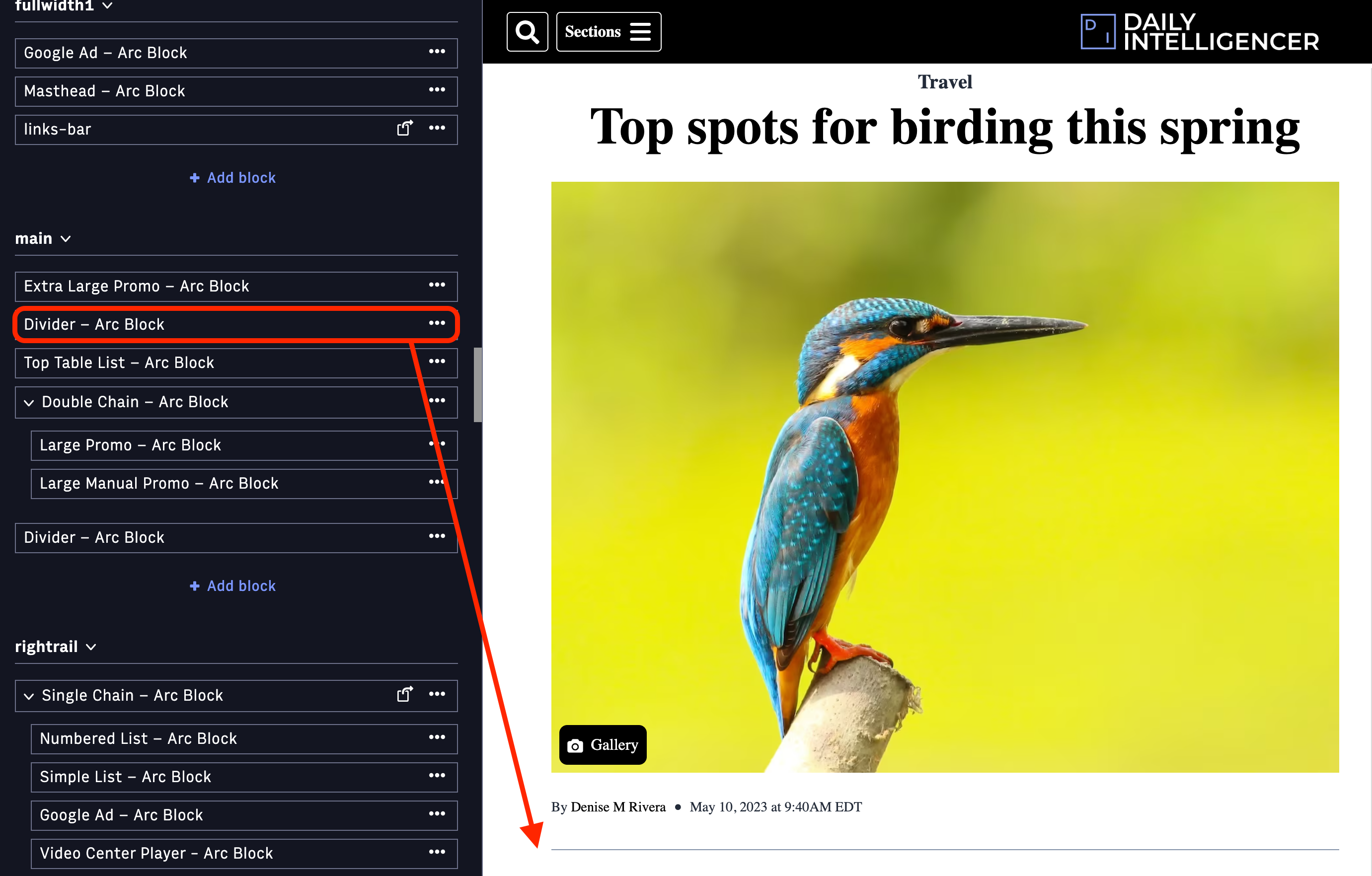 |
| Identity signup block | Terms & conditions, and privacy policy links now display. They can be configured to link to the appropriate pages. | 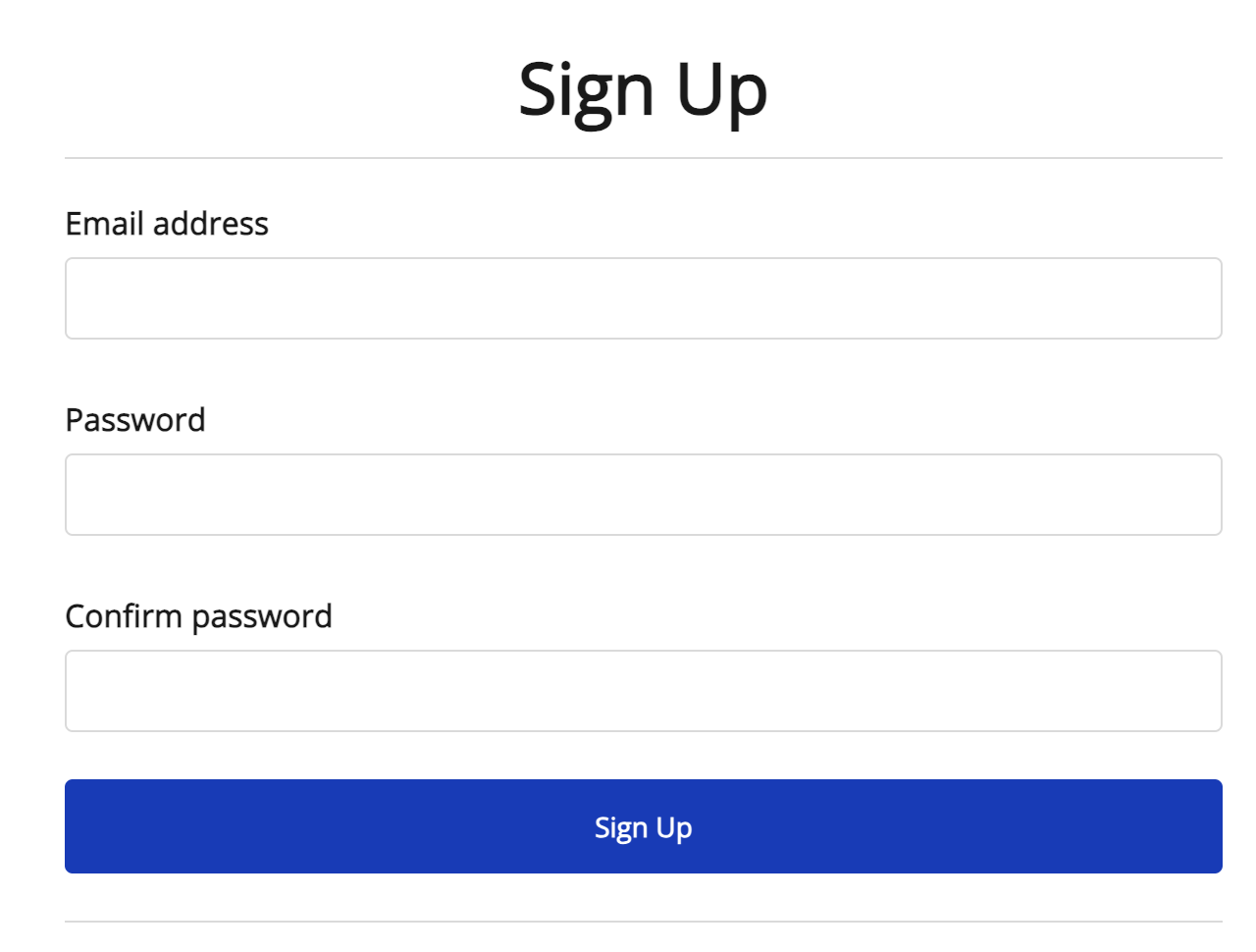 | 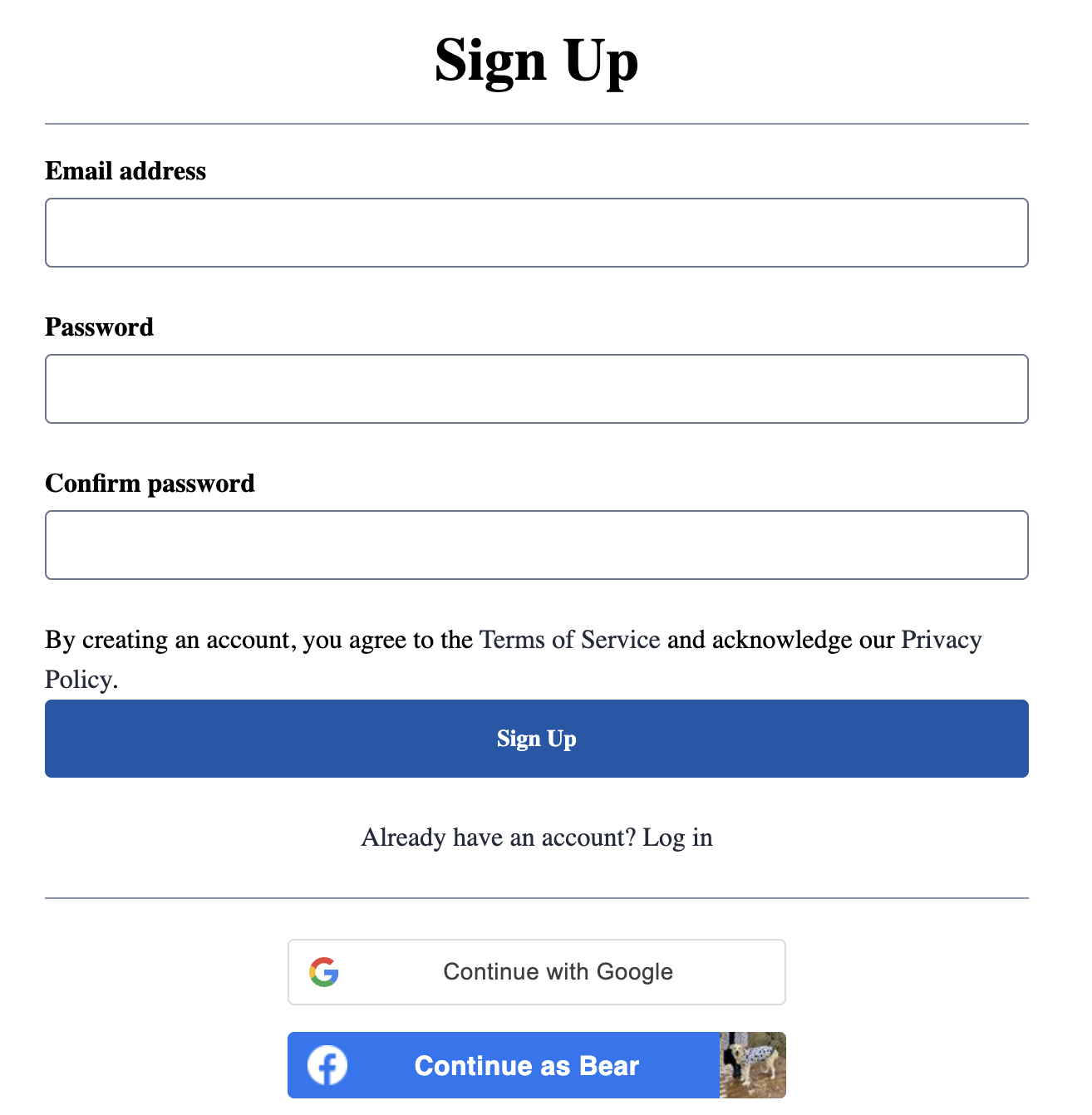 |